


For many game developers, design studios, and businesses, Rodin AI is a reliable solution for generating high-quality 3D models that can later be exported and used in production.
But like any tool, not every feature of Rodin AI works well for everyone. That’s why reviewing its alternatives can be a smart move, no matter if you’re looking to close a specific gap or simply explore what else is out there.
If you’ve found yourself searching for alternatives, we’ve put together a list of the best Rodin AI alternatives, complete with their features, strengths, and pricing.
Here is a quick comparative look at each of the offered alternatives before we begin:
|
Rodin AI Alternatives |
Features |
Choose for |
Pricing |
|
Meshy AI |
|
|
|
|
Tripo AI |
|
|
|
|
Hitem3D |
|
|
|
|
Spline AI |
|
|
|
Rodin AI: Why Do People Look for Alternatives?
Before turning to Rodin AI alternatives, let’s first review Rodin AI itself.
Rodin AI is an AI-powered 3D model generator and a flagship product by Hyper3D.
It helps users create 3D models and meshes with photorealistic textures and high-detail geometry. It works by generating output from either a text prompt (text-to-3D) or an uploaded reference image (image-to-3D).
Once generated, you can export your final output in different file formats such as FBX, OBJ, GLB, and STL.
However, Rodin AI comes with a few limitations that often push users to look for alternatives. We can tell it by the relatively low rating points the tool received on a popular review platform, Trustpilot: 3.8 out of 5.
In most cases, the reasons people look for Rodin AI alternatives are:
- Payment and subscription system: Rodin AI uses a credit-based payment system, starting at $30/month for 30 credits. This means costs can add up quickly as users generate more models. Although it offers a free tier, each credit will cost $1.5 in this tier. Some users have also reported difficulty canceling their subscription.
- Visual quality first, print-readiness second: Rodin AI’s models look great visually, but often need extra editing before they’re ready for 3D printing.
- Mesh and texture generation only: Rodin AI focuses mostly on generating the model itself, so if you need further animation and motion refinements, you need to switch to separate software like Blender to apply animation to the generated model.
- Simply comparing options: In many cases, people just want to try out a few different tools to see which one gives them the best results before committing to one.
So, if you are also among those who are looking for Rodin AI alternatives, here are several options you can consider and test.
Top 4 Rodin AI Alternatives
Meshy AI
Meshy AI walks you through a complete pipeline of 3D model generation from text-to-3D or image-to-3D generation to AI texturing, animation, and final output export. All is happening in one place, making the platform simple to use for both beginners and professional designers.
The generated models come with sharp edges, accurate proportions, and clean textures, as Meshy captures every detail throughout the generation process.
As models are generated, you are free to create unlimited textures, edit colors, patterns, or materials yourself, or adjust the prompt. And with auto-rigging features, animate your characters to use them in games, films, AR&VR.
Why choose Meshy AI?
The first feature that makes Meshy AI stand out among all the tools is the 3D agent. Meshy AI is the world’s first tool to integrate a built-in conversational AI agent that will guide you throughout the model generation process: from chat, sketch, and image to a final output.
Meshy AI offers a wide range of other features, including:
- Text-to-3D
- Image-to-3D
- AI texturing
- AI image generation
- Animation
The final models can also be exported in multiple formats suitable for different use cases, such as FBX, GLB, OBJ, STL, USDZ, and BLEND. Unlike Rodin AI and many other tools, Meshy AI offers a “Send to Bambu” feature and native 3MF export, supporting a print-optimized format that makes the path from generation to print much faster.
Pricing system: Meshy AI offers flexible pricing plans for both individuals and teams, making it easier to pick a plan that fits your workflow and scale. The platform can also be tested for free, with 100 monthly credits at no cost.
The starting pricing plans are also cheaper (with more credits provided) than the ones offered by Rodin AI.
- For individuals, the pricing starts at $20/month (1000 monthly credits)
- For teams, the Studio plan pricing is $60/per seat/per month (4000 monthly credits)
Tripo AI
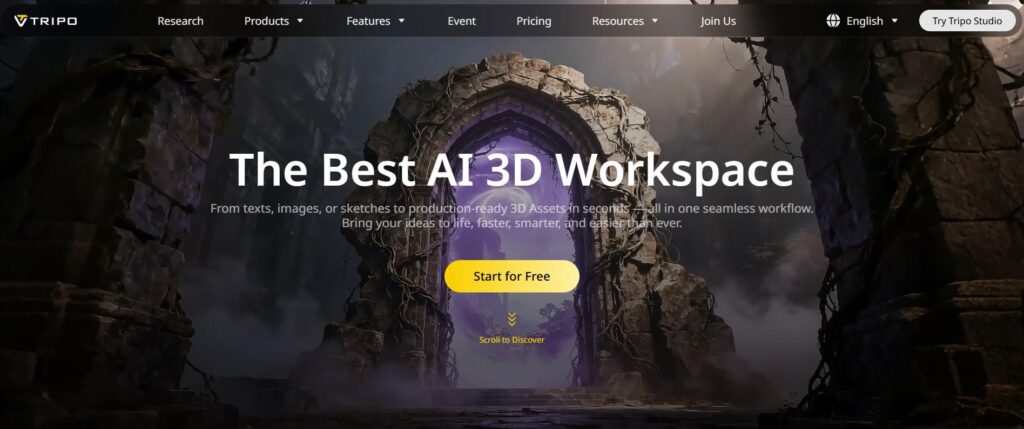
Tripo AI is a beginner-friendly AI 3D model generator that focuses on fast and quality model generation, ready for AR&VR, 3D printing, product design, animation, and filming.
Why choose Tripo AI?
Tripo AI is a perfect option if you need to generate fast and export-ready outputs with clean geometry and topology (with PBR-ready textures). And all the works are carried out in the browser environment, so that even industry beginners can test it without the need for complex setups.
Tripo AI also offers flexible editing options, making it possible to split complex models into structured, editable parts and to work on them.
As such, Tripo AI offers several key features:
- Text-to-3D
- Image-to-3D
- AI texturing
- Auto rigging
- AI model segmentation
- Model stylization
Pricing system: Tripo AI also offers a free tier with 200 monthly credits. Its starting pricing plan is also cheaper than Rodin AI, offering 3000 monthly credits for a monthly $19.9 price.
Hitem3D
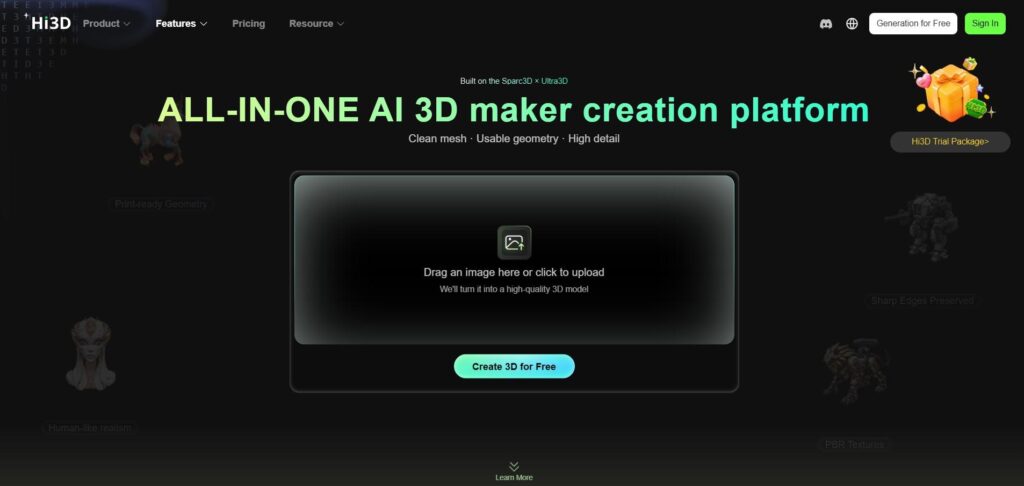
The next tool to consider is Hitem3D, which helps users generate print-ready 3D models with high-resolution 4K and PBR-ready clean textures. You can also split the models into editable and printable parts for more detailed precision.
As final models are generated, they can be downloaded in multiple file formats, including FBX, GLB, OBJ, STL, and USDZ.
One thing to take into consideration is that Hitem3D offers image-to-3D generation only, with no option for generating models based on text descriptions or prompts.
Why choose Hitem3D?
Hitem3D supports a very high-resolution geometry of up to 1536³. So, if you’re working in architecture or jewelry, this tool is a go-to option for working with small details like miniatures or figurines that require extra attention.
Hitem3D’s key features include:
- Image-to-3D
- Multi-view to 3D
- Stylized texture
- Relief
- Segmentation
Pricing system: Hitem3D can be tested for free with 100 monthly credits. It is also a cheaper option compared to Rodin AI, with paid plans starting from $19.90/month (1000 credits per month).
Spline AI
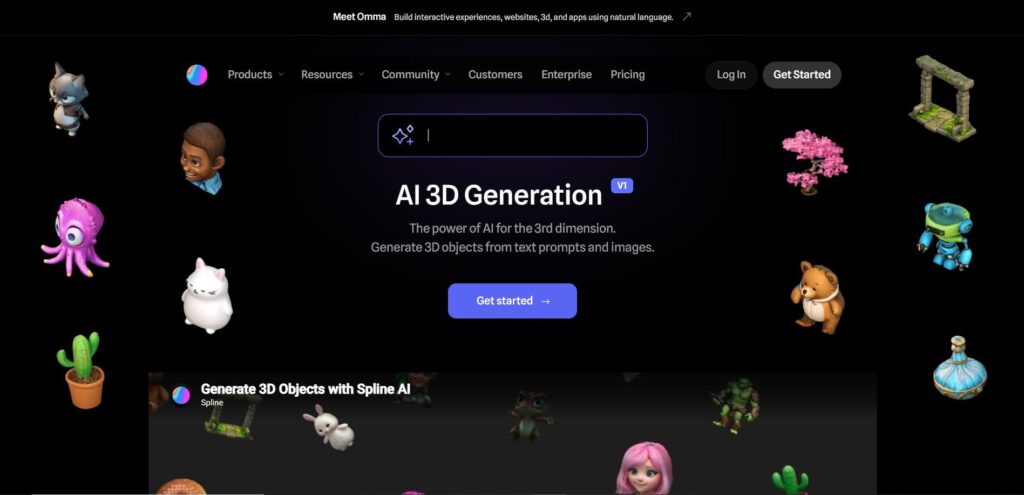
The last alternative to review is Spline AI, a comprehensive 3D design tool that also offers AI 3D model generation based on text prompts or uploaded 2D images.
Through its remix feature, Spline AI makes it possible to generate additional model options based on a result you’ve already created, without having to start over from scratch just because the first option didn’t fully match your expectations.
Once done, you can collect your generated models in your own 3D library.
Spline AI key features:
- Text-to-3D
- Image-to-3D
- Remix and generate variants
- Personal 3D library
- Multi-platform export
Why choose Spline AI?
As Spline is a comprehensive 3D design tool with AI 3D model generation as an add-on capability, its features go beyond producing individual 3D models, extending to building interactive, animated scenes as well.
It also offers multi-publishing export for integrating your AI content into web, Apple, or Android platforms using code snippets or custom codes.
Pricing system: The Spline AI add-on for $5 per seat/month (2000 AI credits) is only available on the Professional plan, which costs $25/per seat/month.
Which One to Choose?
Looking for alternatives to Rodin AI doesn’t necessarily mean it’s a bad tool. It often just means that its features and outputs don’t fully match your specific workflow, design needs, or expectations.
That’s exactly why testing a few alternatives can be so useful. It makes it easier to find the one tool that generates models exactly the way you want them.
Now that you have our list of the best Rodin AI alternatives, it’s time to start testing them for yourself.
