
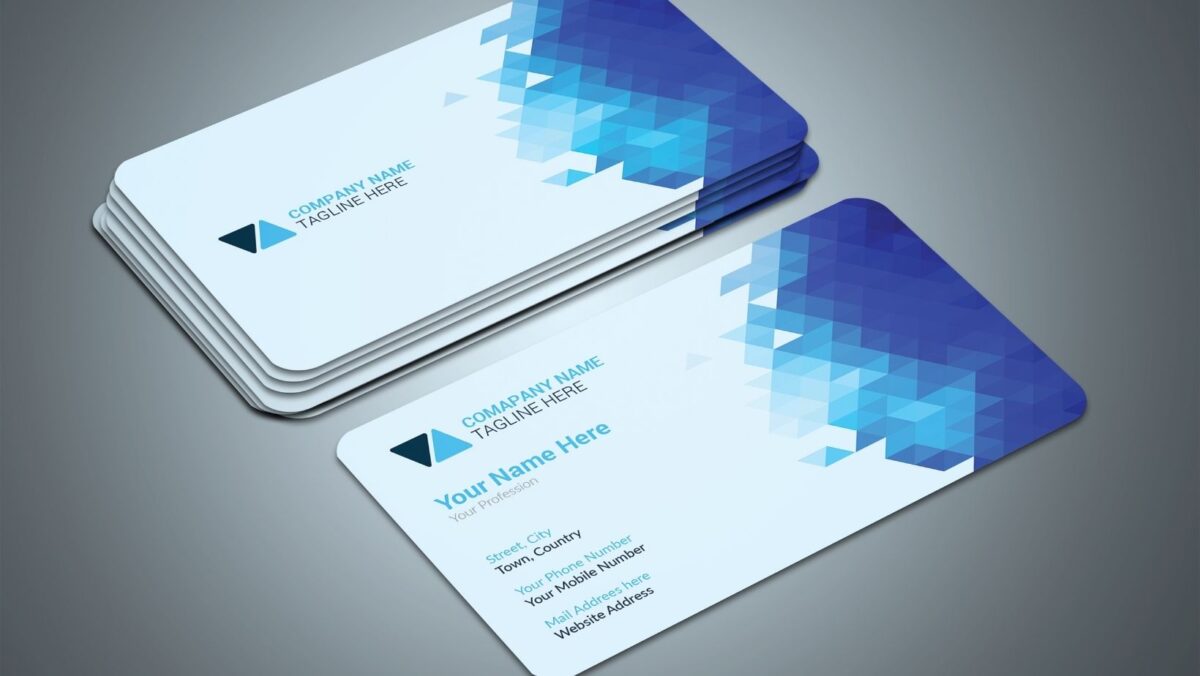

You’ve seen them everywhere. A standard business card with a QR code tucked into the corner, printed in black and white, and never scanned. It’s not a technology problem. It’s a design problem. And once you understand why most QR code cards fail, you’ll never design one the same way again.
The Big Mistake You’re Making: No Value Exchange
The number one reason QR code business cards fail isn’t bad design. It’s the lack of a value exchange. Think about it from the recipient’s point of view: someone hands you a card, you glance at the QR code, and you ask yourself why you should bother scanning it. If there’s no clear answer, you won’t. Neither will anyone else.
You need to make the exchange obvious. A short call to action placed directly beside the QR code does exactly that. Here are three formats that work:
- “Scan for a free resource” signals immediate, tangible value.
- “Get my full portfolio” gives a concrete reason to act right now.
- “Book a free 15-minute call” sets a clear, low-friction next step.
Keep it short, specific, and impossible to miss.
Think Function, Not Novelty: Designing for the Cold Environment
A business card exchange happens fast. You’re in a noisy conference hall or a quick coffee meeting. Designers call this a cold environment. You have less than three seconds to convince someone your card is worth a second look.
That’s why function has to come before novelty. Full color printing, foil printing, and die-cuts are great aesthetic choices. But if the QR code blends into a dark background or sits in a cluttered corner, it’s invisible. To make it work in a cold environment:
- Give the QR code its own breathing room. Don’t crowd it with text or graphics. Let your logo design anchor the card instead.
- Keep the surrounding area clean. White space strengthens scannability.
- Make the call to action readable in under two seconds. Fewer words, stronger pull.
If you want a fast, professional starting point, a good digital business card app lets you design both your physical and digital card together.
With this, you can generate a QR code that links directly to your digital profile, keeping your contact details always up to date and even saveable to Apple wallet or Google Wallet. Some professionals pair this with an NFC card, where an NFC tap shares your profile instantly.
The Destination Is Everything: Contextual Landing Pages vs. Generic Links
Here’s where most people waste their effort. They design a beautiful QR code, print a flawless card, and then link it to their homepage. That’s a mistake.
Your homepage is built for everyone. Someone who just met you at a design expo doesn’t need your full site navigation. They need a page built for that moment. That’s the power of contextual landing pages. Instead of one generic link, you create targeted pages based on where you’re handing out the card:
- Event cards link to your business portfolio or a specific website URL rather than your homepage.
- Sales cards link to a booking page, scheduling calendar, or a high-converting case study.
- Partner cards link to a co-branded intro or a specific service overview.
Sizing and Placement: The Visual Hierarchy Your QR Code Needs
A QR code that’s too small won’t scan reliably. Follow these guidelines to get it right:
- Minimum size: 0.8 x 0.8 inches. Go up to 1 inch for a stronger margin of error.
- Placement: Front of the card, near the bottom corner. Visible without competing with your logo and contact info.
- Contrast: Black on white or a light background. Never over a busy pattern, dark image, or clustered social media icons.
- Quiet zone: Leave at least 0.1 inches of empty border around the code. Scanners need it to detect where the code starts. Skip it and you’ll get failures on otherwise perfect prints.
The Test Drive: How to Physically Test Your Card Before Printing
- Don’t test your card at your desk. Test it where you’ll actually use it. Before approving any print run, work through this checklist:
- Dim lighting test: Scan in a restaurant or evening venue to simulate real networking conditions.
- Outdoor test: Check for glare and washout under direct sunlight.
- Multi-device test: Scan with both an iPhone and Android. They use different camera algorithms.
- Destination check: Open the landing page on mobile. It should load in under three seconds.
- Error correction check: Use level Q or H. Smart scanning technology at these levels allow up to 30% of the code to be obscured and still scan correctly. Glossy finishes and minor print imperfections won’t stand a chance.
Final Words
A QR code on a business card is only as powerful as the thinking behind it. Nail the value exchange, design for the cold environment, send people to the right page, and test before you print. Do all four, and your QR code won’t just get noticed. It’ll get scanned.
